Best Video Editing Apps for UGC Creators: Free and Paid Options
Quick answerFor most UGC creators, CapCut or VN Editor is enough: both have free versions with no watermark. Add a captions app such as Captions or Veed if you need fast subtitles, and move to DaVinci Resolve on desktop only when clients ask for finer color or audio work.

Which editing apps do UGC creators use?
Influee's April 23, 2026 roundup of editing apps for UGC creators compares ten tools. Here is the short version, with free-tier details as Influee listed them:
| App | Where | Free version | Best for |
|---|---|---|---|
| CapCut | iOS, Android, desktop | Full editor, no watermark | TikTok-style edits, templates, auto-captions |
| VN Editor | iOS, Android | Everything free, no watermark | Multi-track edits and keyframes on a phone |
| InShot | iOS, Android | Watermark unless Pro | Quick Reels and switching aspect ratios |
| Movavi Clips | iOS, Android | Watermark on free tier | Fast phone-to-social edits with templates |
| Captions | iOS, Android | Watermark on free tier | AI captions, silence removal |
| Veed.io | Browser | Watermark on free tier | Auto-captions, team review |
| Splice | iOS, Android | Limited library | Transitions and audio mixing on mobile |
| DaVinci Resolve | Windows, Mac | Full editor, no watermark | Professional color and audio |
Influee doesn't list subscription prices, and app plans change often, so check the current price in your app store.
Does a watermark matter for UGC?
Yes. Brands want clean files they can post or run as ads, and another app's logo in the corner makes your video look unfinished. If your editor adds a watermark on its free tier, either pay for the plan or switch to one that doesn't, such as CapCut, VN or DaVinci Resolve.
Do UGC videos need captions?
Most do. Influee calls captions standard for UGC now, since many people watch with the sound off. Auto-captions save time, but check them: Influee notes you may need to fix 10% to 20% of CapCut's auto-captions when speech is fast or accented. A wrong product name in a caption is the kind of mistake that triggers a revision.
Phone or desktop: which should you edit on?
Start on your phone. Short vertical videos are filmed on a phone, and mobile editors handle cuts, text, captions and music well. A desktop editor earns its place when you deliver many versions at once (several hooks on one body), color-match footage from different days, or clean up audio. DaVinci Resolve's free version is a common step up, but it takes time to learn.
What should your editing setup include?
- One main editor you know well, rather than five you half know.
- A captions step, built in or with a separate app.
- Export presets for 9:16 and, when brands ask, 4:5 or 1:1. InShot is useful here because it switches ratios without re-editing.
- A naming system for hook variants (brand_product_hook1_v2) so revisions don't get mixed up.
Which edits should go in your portfolio?
Your best three to six, each showing a different format. Editing skill is part of what brands pay for, so include at least one video with tight cuts, on-screen text and captions. Our guide on how many videos a UGC portfolio needs covers the mix. You can also use an AI assistant to draft hooks and captions before you edit; see these six prompts.
Turn views into bookings with a real portfolio.
Every template is a finished UGC portfolio. Preview it live, then make it yours.
See all templates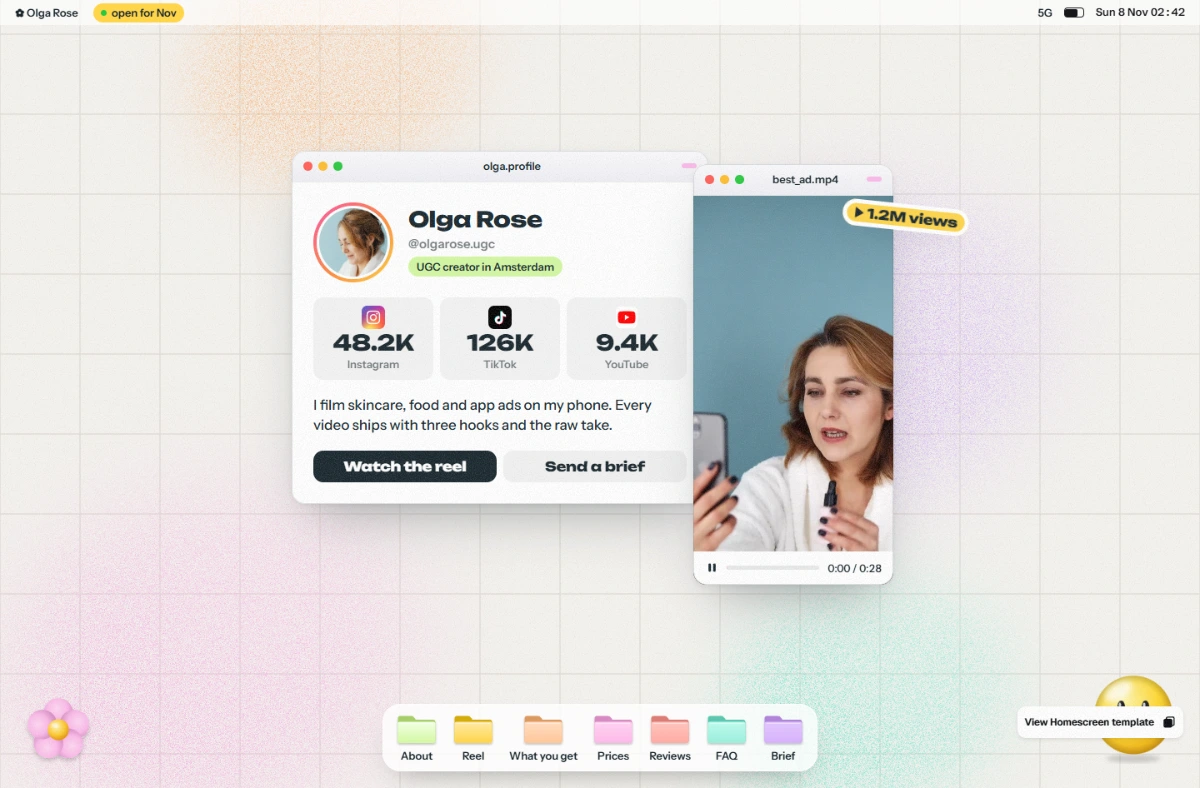
Template files $39 once · Full setup and hosting $149 today, then $10/month
FAQ
What is the best free editing app for UGC?
CapCut and VN Editor both offer free versions with no watermark, according to Influee's April 2026 roundup. VN has no paid tier at all.
Does CapCut add a watermark?
Influee lists CapCut's core editor as free with no watermark. CapCut Pro adds premium templates and effects.
Do I need a desktop editor for UGC?
Not to start. Phone editors handle most short-form UGC; a desktop tool like DaVinci Resolve helps with many variants, color matching and audio cleanup.
Sources
Prices and figures checked on Apr 23, 2026.
Keep reading
 Guide
How Many Videos Should a UGC Portfolio Have? (The Real Answer)
More videos don't mean more bookings. Here is how many clips a UGC portfolio needs, which formats to cover and how to order them so brands keep watching.
 Guide
How to Use Claude (or Any AI) to Build Your UGC Portfolio: 6 Prompts
AI can write your UGC bio, hooks, packages and pitch emails in minutes. Here are 6 copy-paste prompts for Claude or any AI, plus what you should never let AI do.