How to Deliver UGC Files to Brands: Format, Folders and Names
Quick answerFollow the brief first. If it is silent, one platform's creator guide suggests MP4 with H.264 at 1080 x 1920, sorted into labeled folders with short numbered file names, zipped inside one main project folder. Check every file plays before you send, and keep raw footage separate from final files.
What should you check before you export?
The brief overrides any general advice. Insense's creator help page, which has no stated publication date, says its defaults apply "unless the Campaign Brief says otherwise." Read the delivery section of the brief for file type, length, naming and how to submit. Our guide to reading a UGC brief shows where to look.
What file format do brands expect?
Insense's guidance for modular content asks for MP4 with the H.264 codec, vertical 9:16 at 1080 x 1920. It suggests these lengths:
| Clip | Suggested length |
|---|---|
| Hook | 3 to 5 seconds |
| Body | 10 to 30 seconds |
| Call to action | 3 to 7 seconds |
| B-roll | 2 to 10 seconds |
That is one platform's rule for one campaign type, not a universal standard. For ad placements and safe zones, see UGC video specs for ads.
How should you organize folders?
- One main folder per project. Insense asks creators to put everything inside it before delivery.
- Folders by type. Hooks, body clips, calls to action and B-roll, plus edited videos if the brief asks for them.
- Raw footage kept apart. Vidovo advises keeping raw footage separate from approved masters so unfinished clips are not used by mistake.
- Untouched master. Vidovo also suggests saving cropped, captioned or shortened versions as separate variations.
How should you name files?
Insense's examples are short and numbered: Hook_1, Body_1, CTA_1 and BRoll_1. It tells creators to avoid names like "final" or "version 3." Vidovo suggests a repeatable pattern for a brand team, such as product, creator, content type, angle, platform, version and date. If the brand gives a pattern, use theirs.
How do you send it?
Insense asks creators to compress the main folder into a ZIP named with the brand, the program name and the creator name, then upload it through the campaign submission link. If you deliver through a shared drive or transfer link instead, follow the method in your brief, and tell the brand when the link is ready.
What is your pre-send checklist?
- Every deliverable in the brief is present.
- Each file plays from start to end on a device other than your editor.
- Names and folders are consistent.
- Required disclosure language and captions are included if the brief asks for them. See FTC basics for UGC creators.
- Usage rights and dates are in your contract, not only in the delivery message.
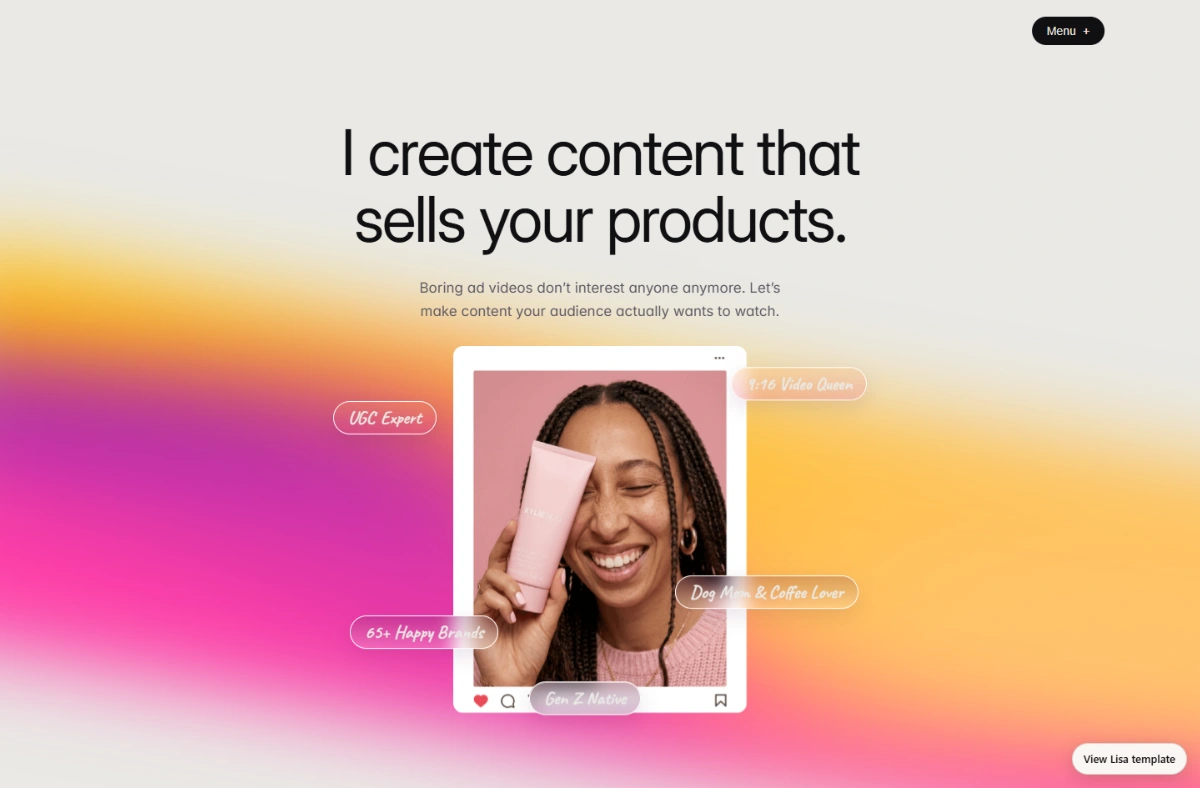
Turn views into bookings with a real portfolio.
Every template is a finished UGC portfolio. Preview it live, then make it yours.
See all templates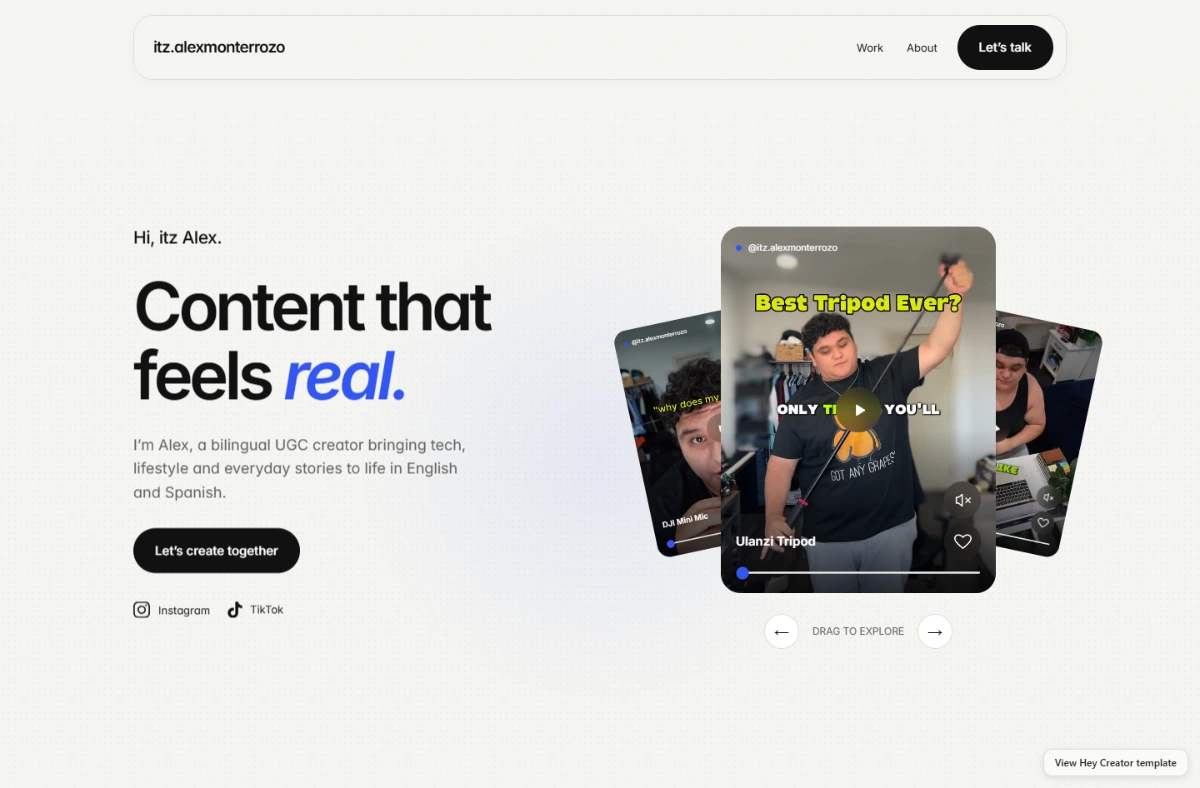
Template files $39 once · Full setup and hosting $149 today, then $10/month
FAQ
What export format is safest for UGC?
MP4 with H.264 is Insense's default for creators, unless the brief says otherwise.
Should I send raw footage too?
Only if the brief or contract asks for it, and it may carry a separate fee. See our raw footage guide.
Should I name my file "final"?
Insense advises against generic names like "final." Use short, numbered, descriptive names.
Sources
- Insense creator help: delivery guidance for modular content (undated, copyright 2025)
- Vidovo: How to organize UGC assets so your team can actually use them (undated)
Prices and figures checked on Nov 18, 2026.
Keep reading
 Guide
UGC Video Specs for Ads: Size, Length and Safe Zones Brands Expect
The video specs brands expect from UGC creators: 9:16 size, resolution, file type, length and the safe zones Meta and Google recommend for vertical ads.
 Guide
What Is a UGC Brief? How to Read One Before You Film
What a UGC brief contains and how to read one as a creator: the sections to check, red flags, and the questions to ask the brand before you film.