Free UGC Portfolio Templates: 5 Options and Their Limits (2027)
Quick answerYou can make a UGC portfolio for free with Canva, Notion, a Google Drive folder, Carrd or a free Framer template. Each free plan has a catch: the tool's own web address instead of yours, the tool's branding, or weak video playback. Free is enough while you have a few spec videos. Pay when you start pitching brands and want your own domain and a page built for vertical video.
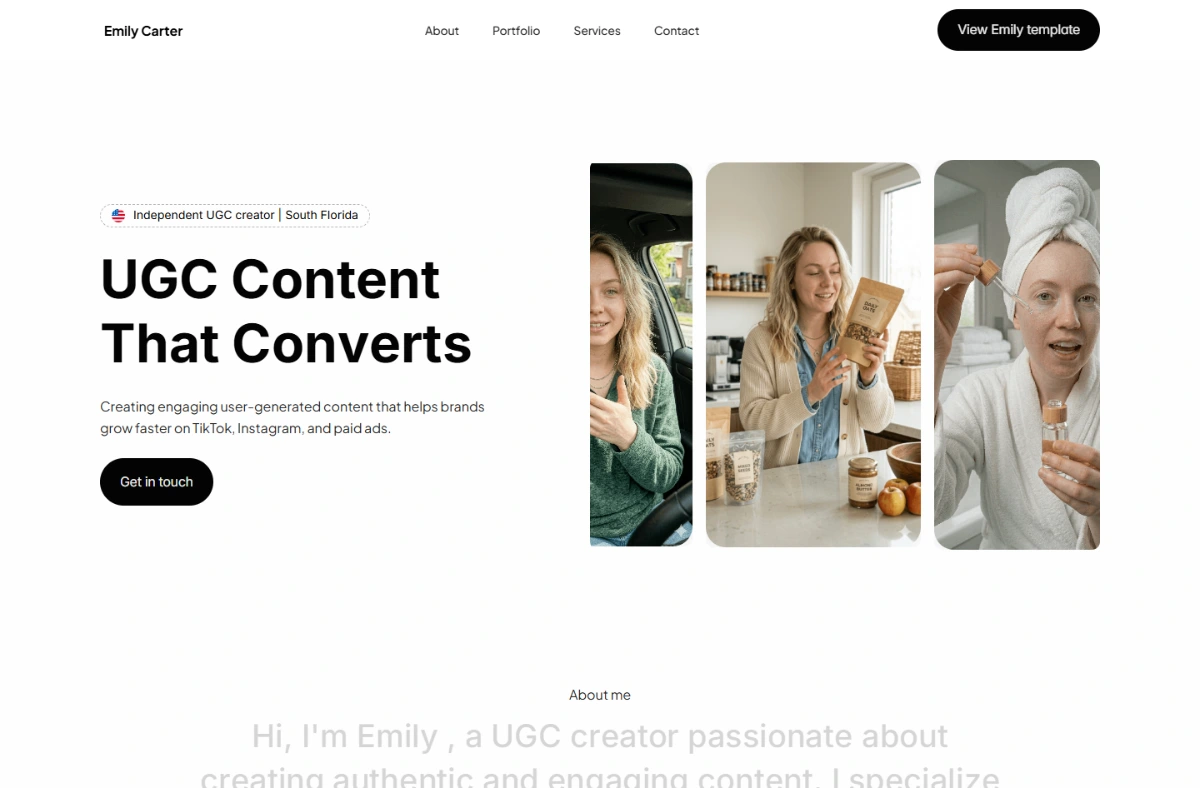
The free options and what each one limits
Every free UGC portfolio template runs on someone else's free plan, so the real question is what that plan holds back. These are the limits from each company's own pages, checked November 2026.
| Free option | Address on the free plan | Branding or catch | Video | Cheapest way to your own domain |
|---|---|---|---|---|
| Canva template | yourname.canva.site, up to 5 sites | "Designed with Canva" footer | Built around images; video is limited | Canva Pro |
| Notion page | One notion.site domain | Looks like Notion | Embeds, not a player | A paid Notion plan plus a custom-domain add-on |
| Google Drive folder | A drive.google.com share link | Google's file viewer | Plays files, one at a time | Not possible |
| Carrd page | A Carrd address | "Made with Carrd" (Pro removes it) | Uploads listed on Pro plans | Carrd Pro Standard, $19/year |
| Free Framer template | A free Framer domain | 5 MB file uploads, 1 GB bandwidth | Good players; large videos must be hosted elsewhere | Framer Basic, $10/month |
None of these are bad. A brand will open any of them. What a brand notices is whether your best video plays in the first few seconds and whether the link looks like a business. That's where free plans differ.
Canva: the most free UGC portfolio templates
Canva has the biggest library of free UGC portfolio designs, and most UGC kits sold on Etsy and Gumroad are Canva files too. Canva Free publishes up to five websites on a canva.site address with a "Designed with Canva" footer that only Canva Pro removes. Canva pages work like designed posters, so they're best for a one-page rate card or a PDF media kit. We compare Canva, Notion and a website in detail in Canva vs website vs Notion.
Notion: free and fast, but it looks like Notion
A Notion page costs nothing and takes an hour to set up. Notion's help center says a free workspace can claim one notion.site domain; connecting your own domain needs a paid plan plus an add-on. Videos show as embeds rather than a proper player, and most Notion portfolios look alike. It's a good first page while you only have two or three spec videos.
Google Drive: the free fallback, not a portfolio
Every Google Account includes up to 15 GB of free storage, shared across Drive, Gmail and Photos. Sharing a Drive folder of your videos works when a brand asks for raw files. As a portfolio it's weak: there's no bio, no rates, no contact button, and the brand has to open each file. Use Drive for delivery, not for your first impression.
Carrd: a free one-page site
Carrd builds simple one-page sites. Its Pro plans remove the "Made with Carrd" branding: Pro Lite is $9 a year, and your own domain starts at Pro Standard, $19 a year. Video uploads are listed as a Pro feature. Carrd is the cheapest route to a real domain on this list, though you design the page yourself.
Free Framer templates: the most design for $0
Framer Marketplace has free UGC portfolio templates you can remix into your own account, with real video players and phone layouts. The catches: the editor is closer to design software than a form, a free-plan site uses a free Framer domain, and free-plan file uploads are capped at 5 MB, smaller than most UGC videos. A custom domain needs Framer Basic at $10 a month, so a "free" Framer portfolio costs about $120 a year once you put it on your own name. Paid Framer UGC templates cost up to about $49 on top.
What a free UGC portfolio still needs
Whatever tool you use, brands look for the same things. Put these on the page before you send it:
- 3 to 6 of your best videos, vertical, playing on the page. See how many videos to include.
- One line on who you are and the niches you film for.
- What you offer, with prices or a starting rate. The free UGC rate calculator gives you a range.
- One way to contact you: an email or a short brief form.
The full checklist is in what to put in a UGC portfolio.
When free stops being enough
- You're pitching brands every week. A link on your own domain, without another company's footer, reads as a business.
- Your videos are the product. Image-first tools make brands click through to watch. A page built for vertical video plays them in place.
- You keep rebuilding the page. If the free tool takes hours every time you add a video, the hours cost more than a template.
The paid option, for comparison
This is what we sell, so weigh our view accordingly. Each UGC portfolio template here is a finished website with a live demo you can open first. You can get the files for $39 once and host them yourself, or have Sofia set one up with your videos, rates and contact for $149 today, then $10/month for hosting and changes. If you're still at the spec-video stage, start with a free option above and come back when you're pitching.
Turn views into bookings with a real portfolio.
Every template is a finished UGC portfolio. Preview it live, then make it yours.
See all templates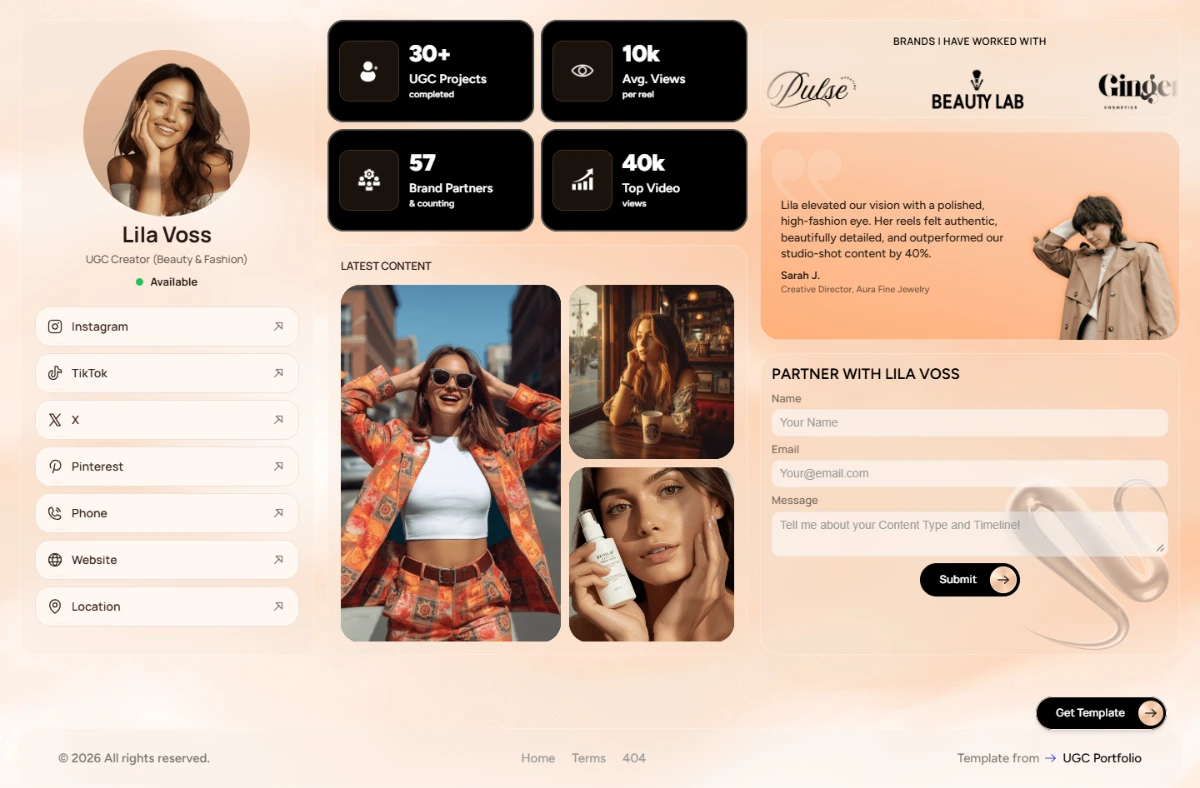
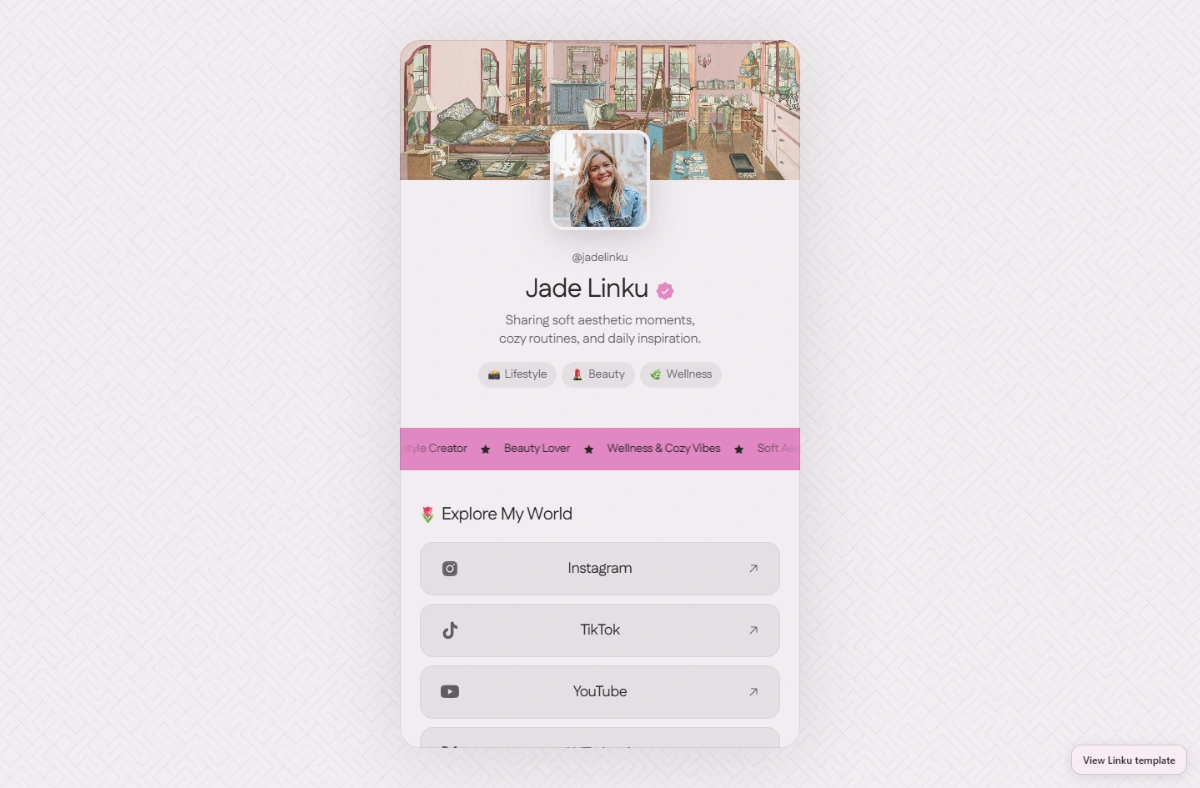
Template files $39 once · Full setup and hosting $149 today, then $10/month
FAQ
Is there a completely free UGC portfolio template?
Yes. Canva, Notion and Framer Marketplace all have free UGC portfolio templates, and Carrd and Google Drive cost nothing to start. Each free plan uses the company's own address (such as canva.site or notion.site) and usually shows its branding.
Can I use my own domain with a free portfolio?
Not on the free plans checked in November 2026. A custom domain needs Canva Pro, a paid Notion plan plus an add-on, Carrd Pro Standard ($19/year) or Framer Basic ($10/month).
Is Canva or Notion better for a free UGC portfolio?
Canva looks more polished and suits a one-page rate card or media kit. Notion is quicker to update and fine while you have a few spec videos. Neither plays vertical video as well as a website built for it.
Should a beginner pay for a UGC portfolio template?
Not at first. Start free with your spec videos, then move to your own domain when you begin pitching brands regularly. Our guide to making a UGC portfolio with no experience covers the first steps.
Sources
- Canva Help Center: Publish websites to a free domain
- Notion Help Center: Public pages and web publishing (checked Nov 15, 2026)
- Google Drive Help: How storage works (checked Nov 15, 2026)
- Carrd: Pro plans (checked Nov 15, 2026)
- Framer: Pricing (checked Nov 12, 2026)
- Framer Marketplace: Aeria UGC Template
Prices and figures checked on Nov 15, 2026.
Keep reading
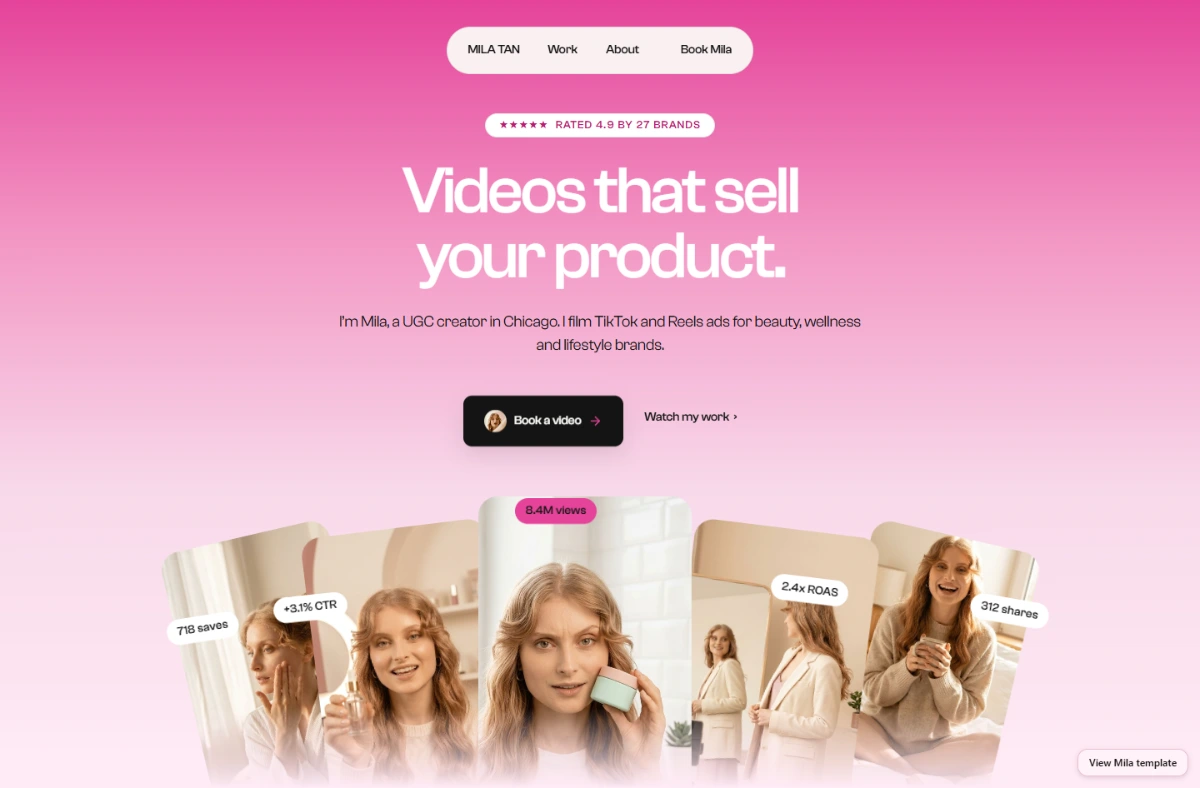 Guide
Canva UGC Portfolio Template vs Website vs Notion (2027)
Canva UGC portfolio template, Notion or a real website? What Canva kits cost, what Canva Free publishes, and how each handles video and your own domain.
 Guide
Copyfolio Alternatives for UGC Creators: Costs Compared (2027)
Copyfolio costs $15/month after a 7-day trial. Canva, Notion, Framer UGC templates and ready-made portfolio sites compared on cost, video and your own domain.
 Guide
How to Create a UGC Portfolio (Even With No Experience): Step by Step
No brand deals yet? You can still build a UGC portfolio this week. Film 3 spec videos with products you own, label them honestly and publish one page.